
Gold Coast 42.2K 2026 Full Photo Magnet
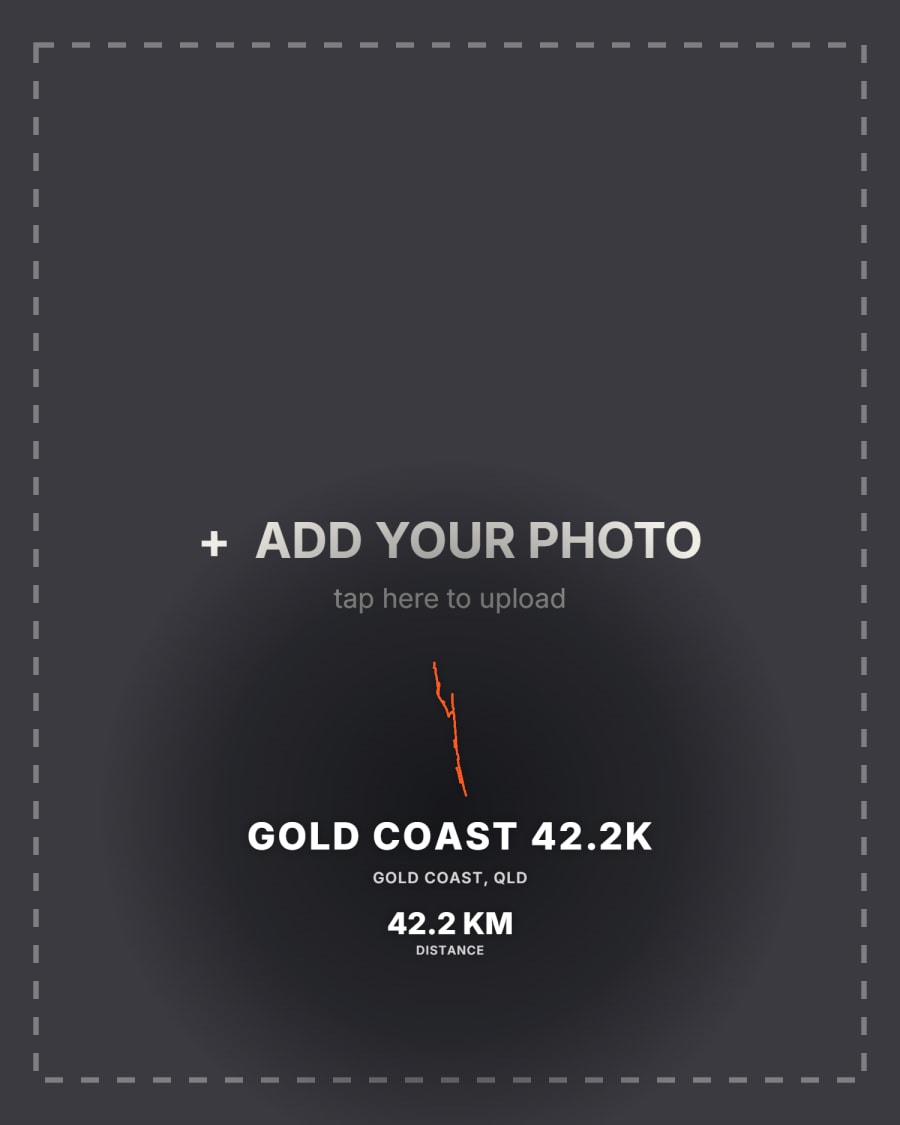
Your race-day photo fills the frame, with your route laid over it.
10 × 12.5 cm on photo paper, mounted on a flexible magnetic sheet and made in Sydney. Small enough to live on the fridge, sturdy enough to survive the door slamming.
Available singly or in packs — most people end up buying one for themselves and one for whoever waited at the finish line.
1 Upload your route
Best is a route file — GPX, TCX, KML or GeoJSON all work, and give the exact route.
Getting the file
Strava — the phone app can't export, so open strava.com in your browser, go to the activity, tap the ··· menu and choose Export GPX.
Garmin Connect — open the activity, tap the gear icon, then Export to GPX.
Coros — activity → the share icon → Export GPX.
AllTrails — open the recording, tap More, then Export GPX.
Apple Watch — the Fitness app has no export. A free app such as HealthFit or RunGap will save the workout as GPX.
No file handy?
Upload a screenshot instead. We keep just the route line and drop logos, stats and other marks — and if the screenshot shows distance, time or pace, we'll read those in too. A map screenshot works too: we detect it and crop to your route while keeping the map.
A screenshot only works with the Neon and Elevation styles. Map and Terrain need the real coordinates, and a picture can't carry them — for those, use a route file.
Full step-by-step guide →Works with Strava · Garmin · Apple Watch · Coros · AllTrails
2 Name it
3 Make it yours
Please double-check your name, time and details — each piece is custom made to order, so we print exactly what you enter.